Visualizing Your Workflow
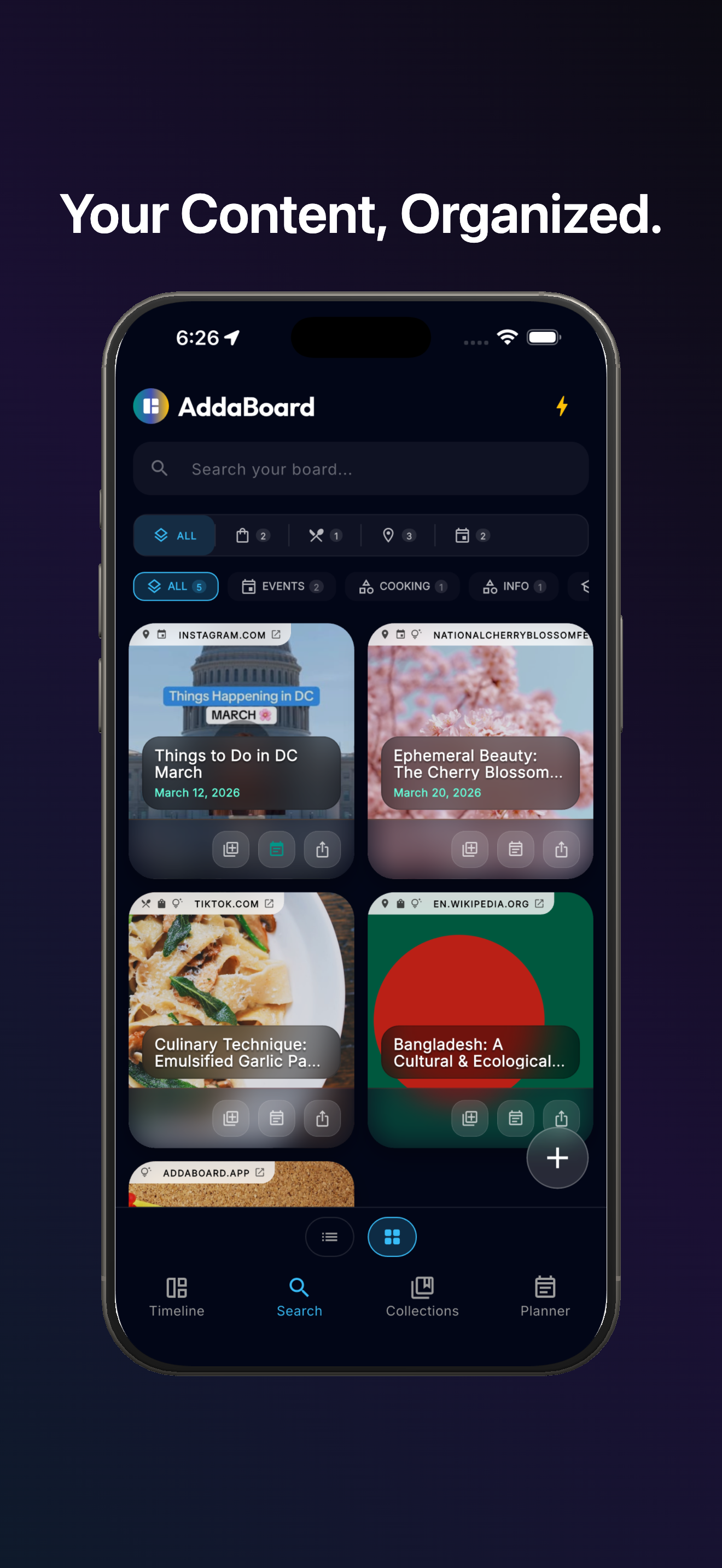
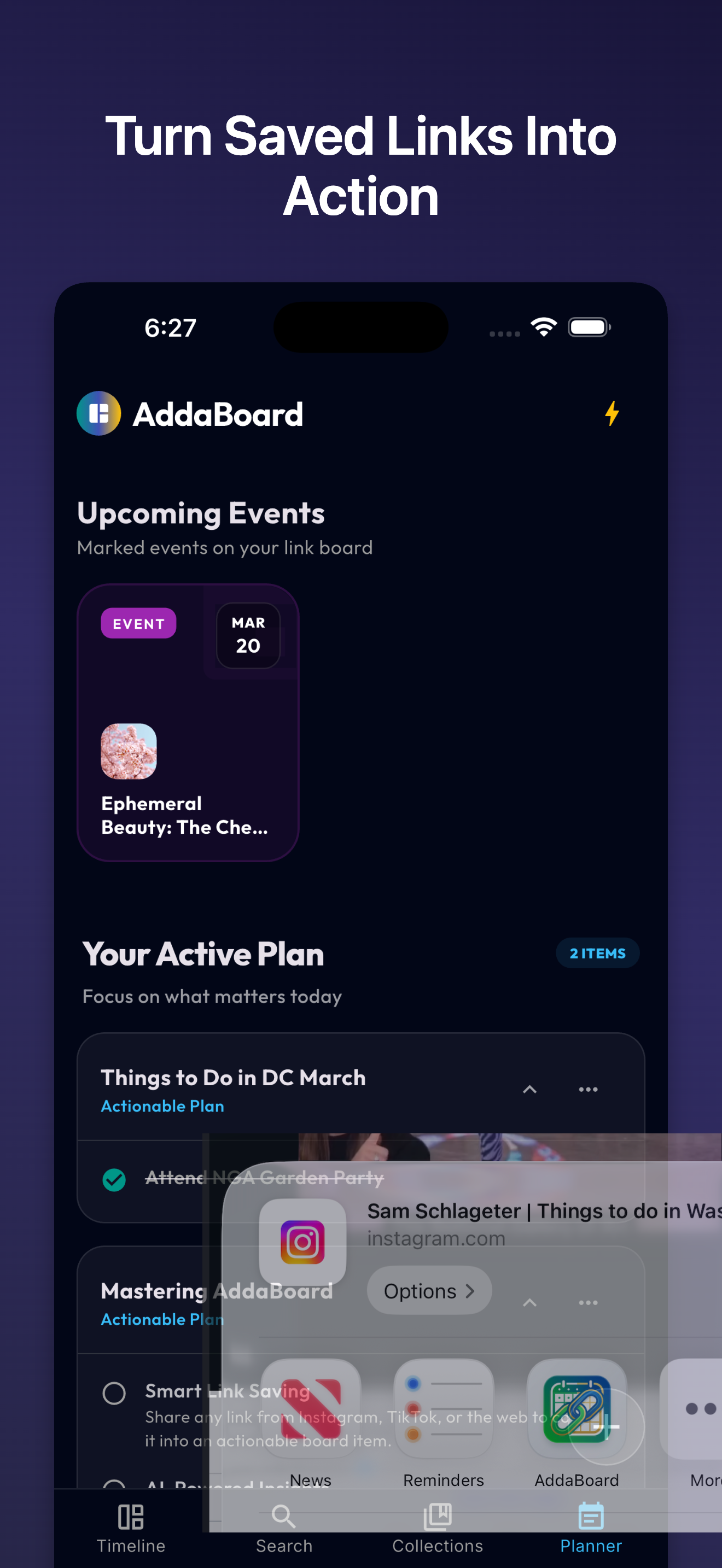
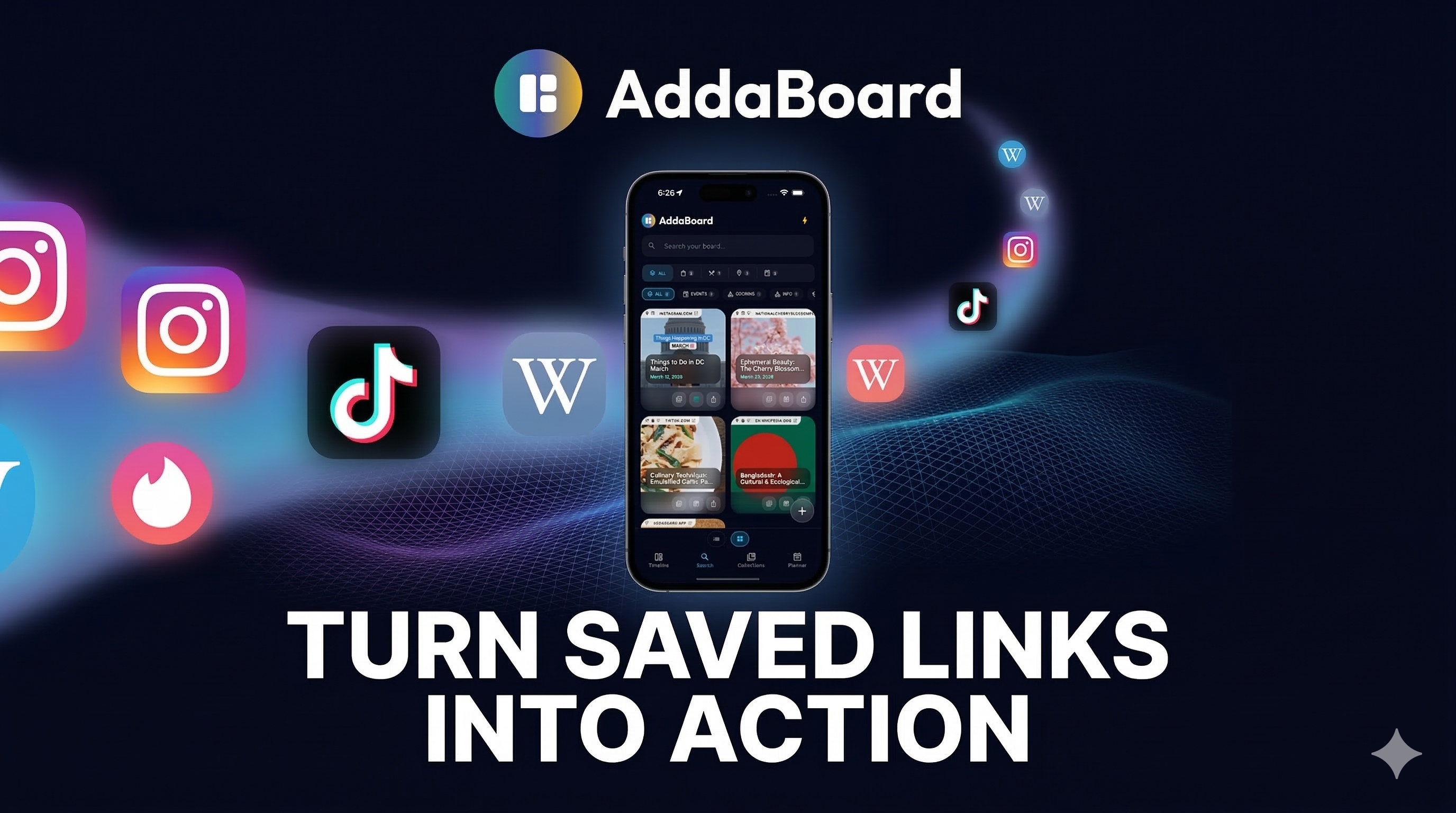
Stop hoarding links you'll never look at again. AddaBoard automatically rescues your scattered reels, TikToks, and articles, turning them into beautiful, organized checklists and travel itineraries instantly.
Our intelligent engine extracts the core details and creates a step-by-step checklist just for you.
Found a 30-minute workout or a pasta recipe? AddaBoard extracts ingredients and cooking steps automatically.
Turn travel reels into mapped locations and actionable itineraries. Navigate directly in Maps with one tap.
Finds dates, times, and venues from social posts. Sync directly to your system calendar so you never miss out.
Grabs product details and direct purchase links instantly. No more searching for "Link in Bio".
A high-speed, glassmorphic browsing experience with auto-scroll and instant access to rich extracted details.
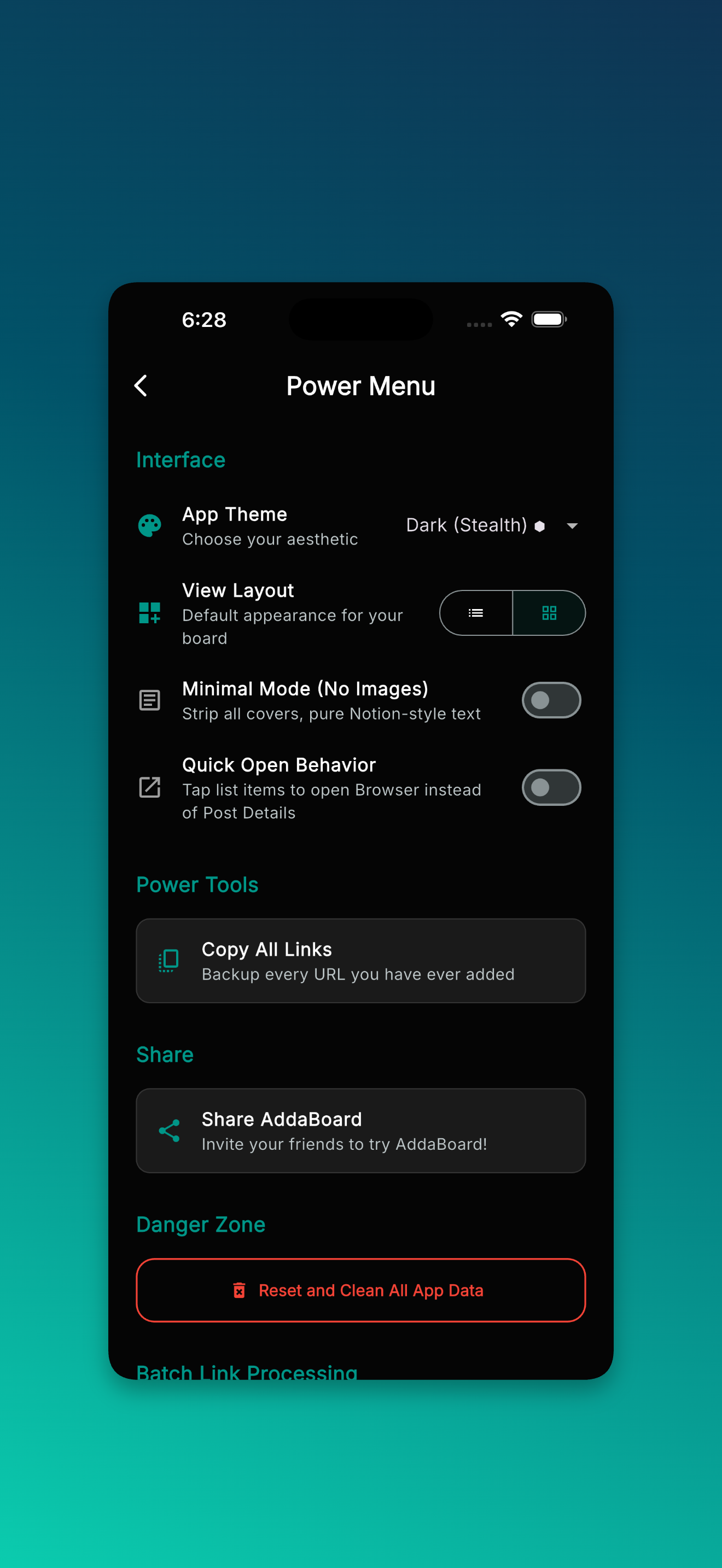
Quickly access workflows like Smart Clipboard, Batch Import, OCR Image Scanning, and Auto-Archive to manage your board.
Generate and export your collections, planned lists, and favorite items as formatted markdown files for easy sharing and backup.
Leverage the expanded Intelligence Actions Sheet for context-aware suggestions, instant summaries, and automated task extraction.
Your data belongs to you. We process metadata ephemerally and store your plans securely on your device.
Turn travel reels into precise, mapped-out itineraries with actionable spots and navigation.
A premium interface that feels modern and alive. Smart categorization uses dynamic, aesthetic color palettes.
Your progress is saved locally, so you can pick up exactly where you left off, even offline.
Available on iOS, Android, and Web. Your board, anywhere you need it.
Your simple guide to turning scattered links, videos, and articles into organized, actionable plans.
Tap the big "+" button on the home screen and paste any URL. AddaBoard automatically reads it and pulls out the important details.
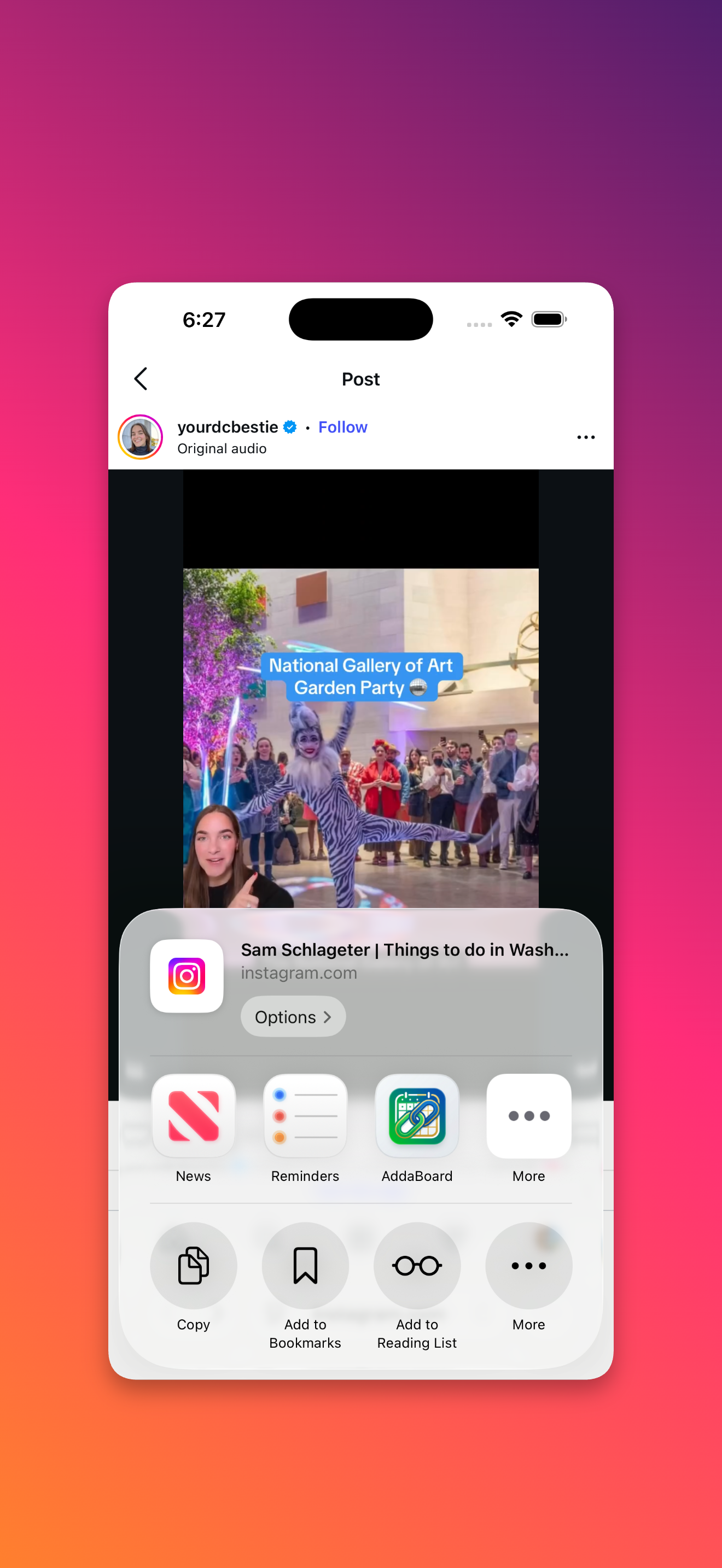
While browsing Instagram or Chrome, use your phone's native "Share" button and select AddaBoard to send links instantly.
Go to the More tab and tap Smart Clipboard. AddaBoard will grab all the links you recently copied and save them at once.
Found a flyer or a printed recipe? Go to More > Scan Image to extract text and links directly from your camera.
Want to browse fast? Tap a saved link to open Reel View. Swipe vertically through your saved items just like watching short videos.
Check the Planner tab for your "Daily Snapshot." AddaBoard curates things for you to cook, read, or try today based on your saved links.